
SNCalculator
A calculator for your Supernote, right inside your notes.
While I do math exercises with my daughter on my Nomad, we sometimes need a calculator to check our answers. So I built one, with the help of Claude.
Free and open source. So far only tested on a Supernote Nomad (A6X2).
What it does
Opens from the toolbar in a note or a document, full screen, and closes with the ✕.
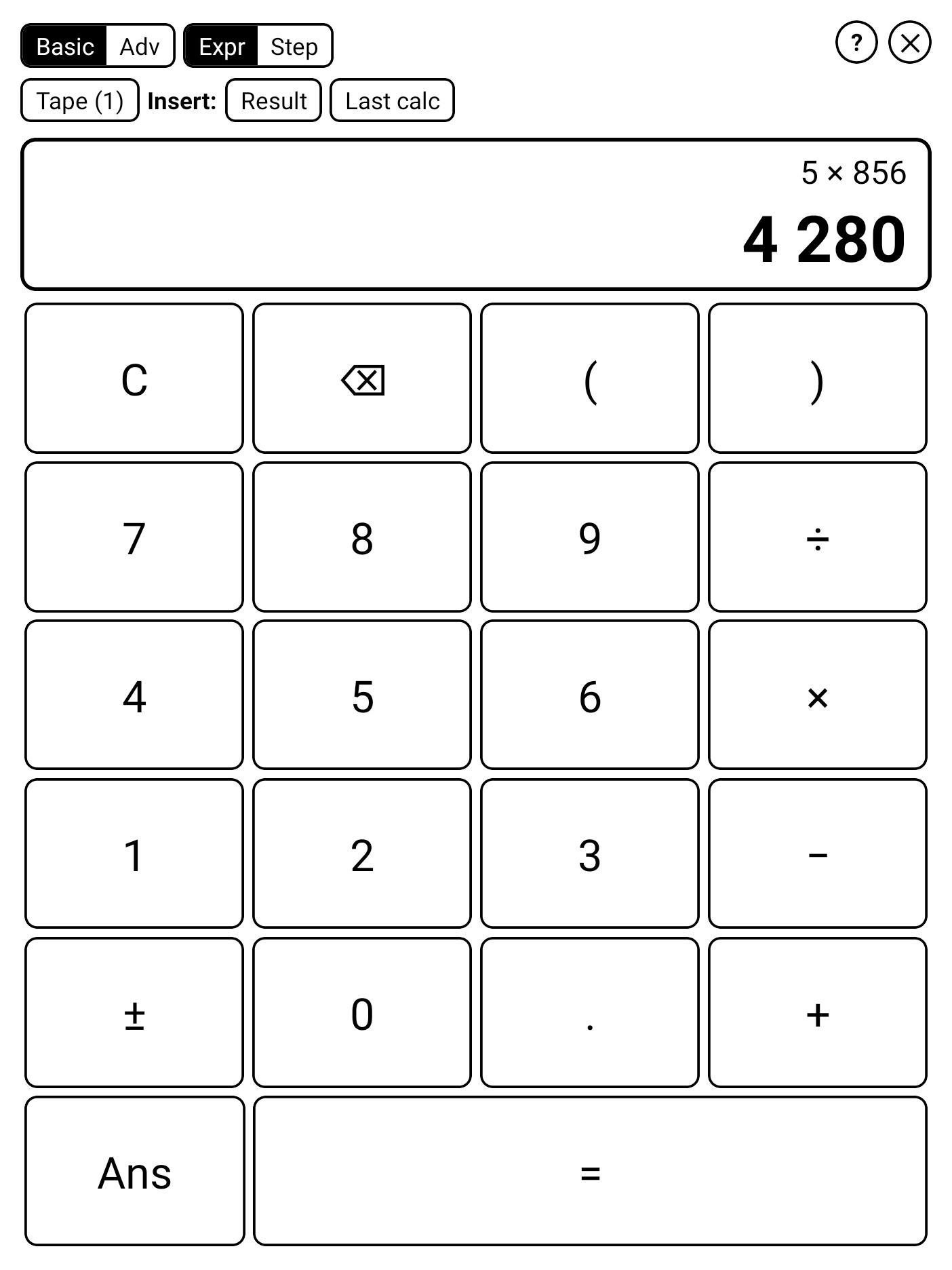
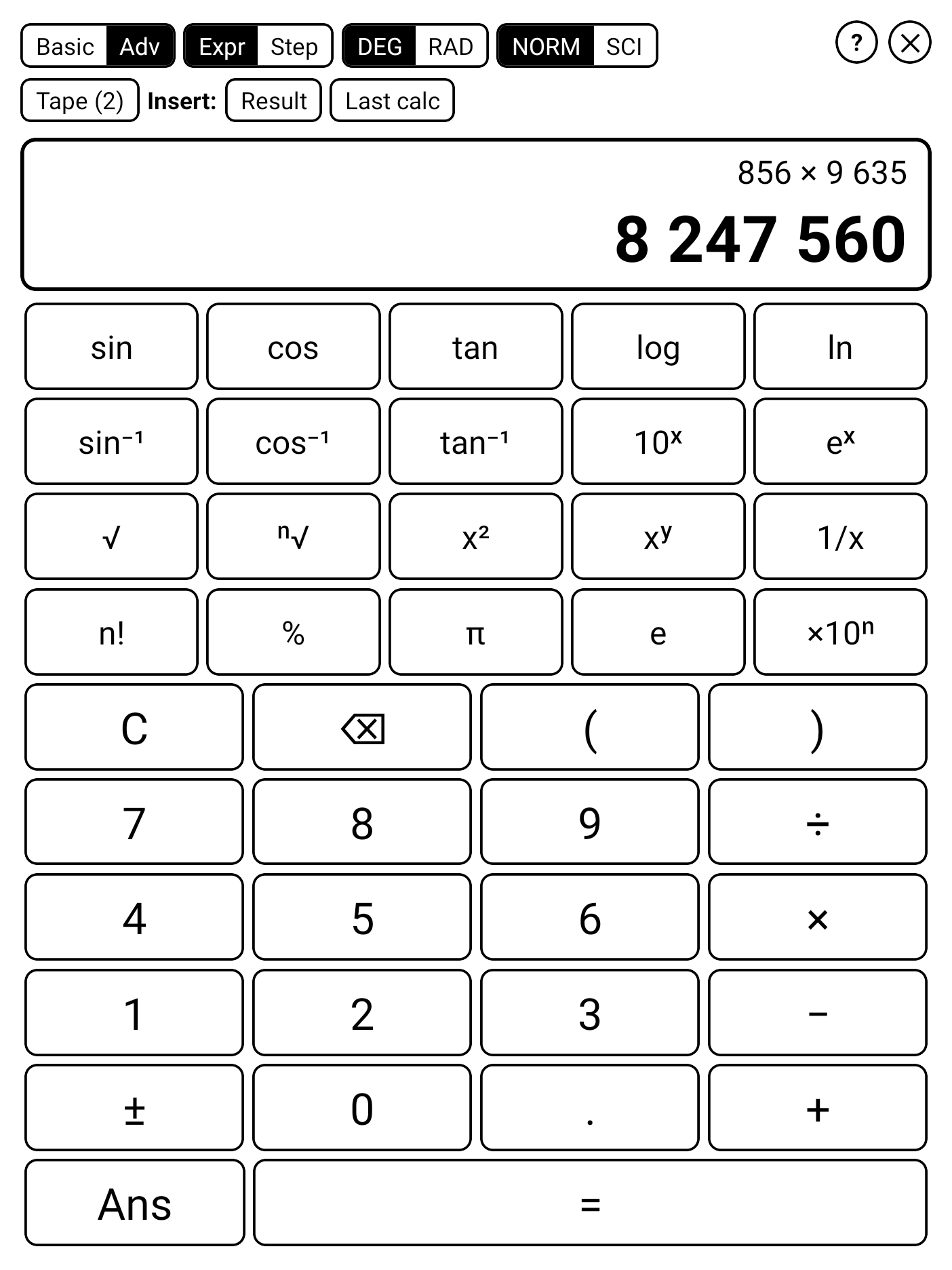
Basic and Adv
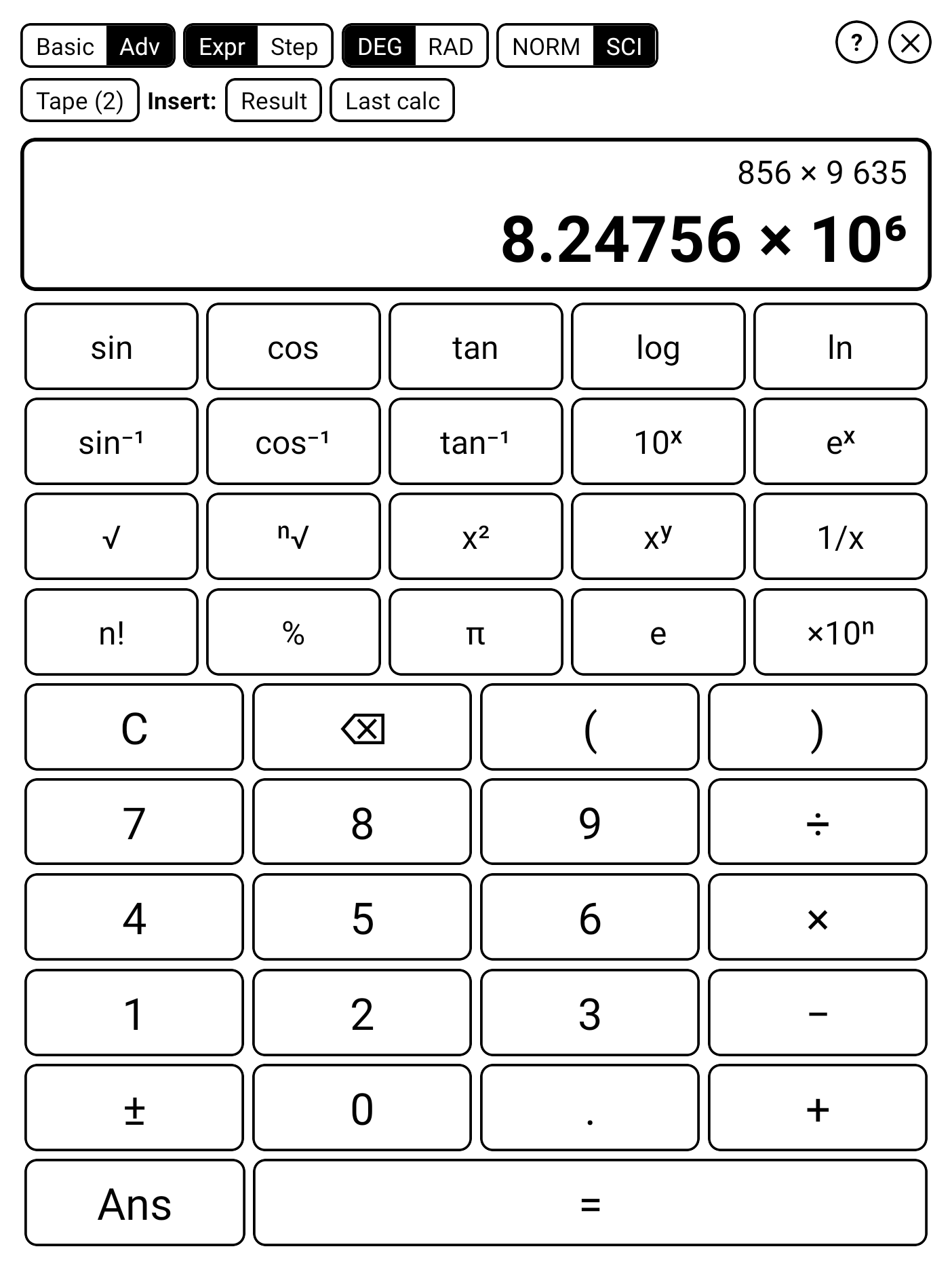
A Basic keypad, or Adv with sin, cos and tan and their inverses, log, ln, roots, powers, factorial, π, e and scientific notation. Degrees or radians, normal or scientific display.
Expr or Step
Type the whole expression with the usual precedence and parentheses, or calculate left to right like a pocket calculator, where 2 + 3 × 4 gives 20.
Exact square roots
√50 shows as 5√2, with the decimal value underneath.
Your number format
Thousands are grouped with a space, and the decimal sign follows your device language.
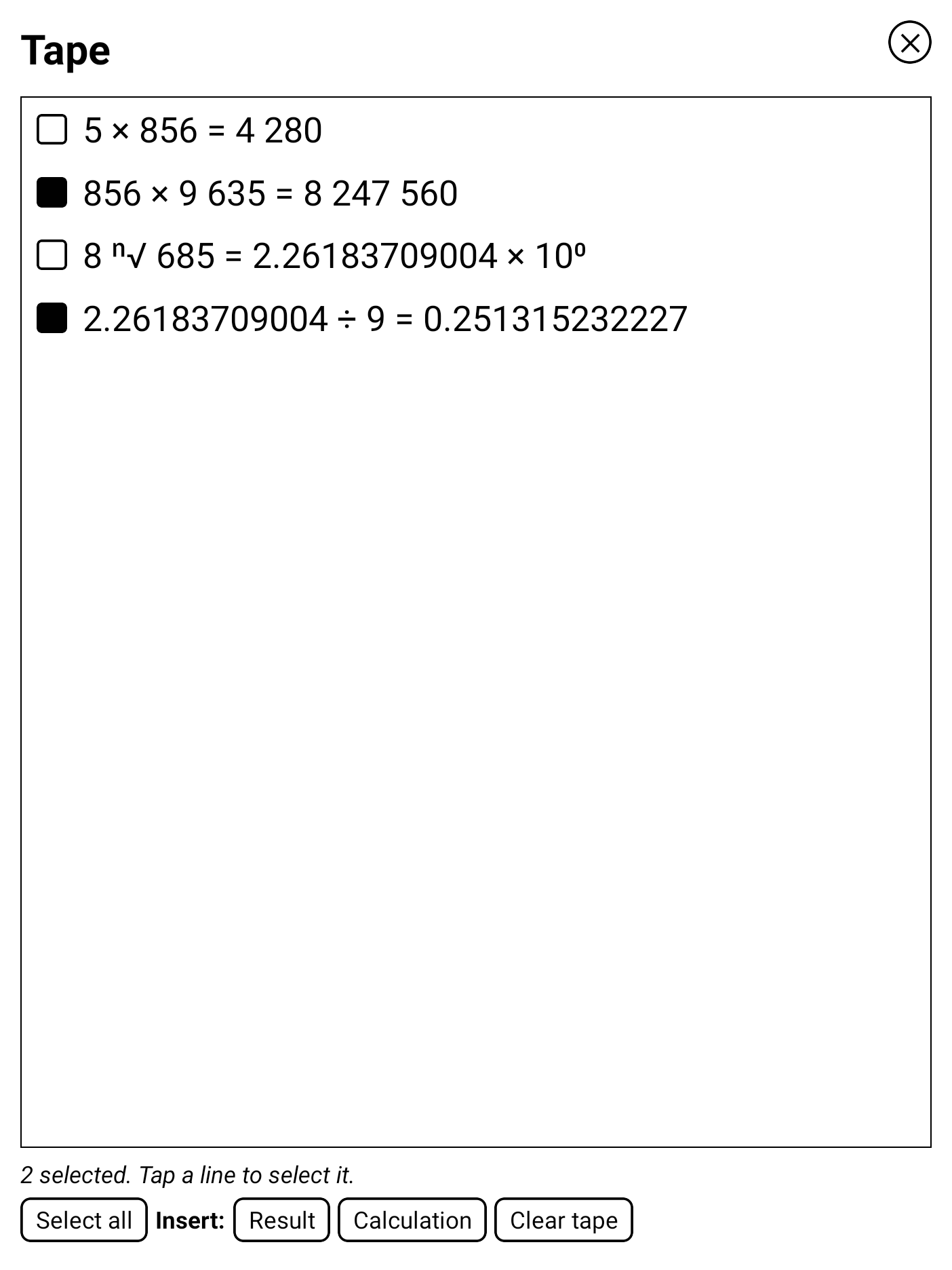
A tape of everything
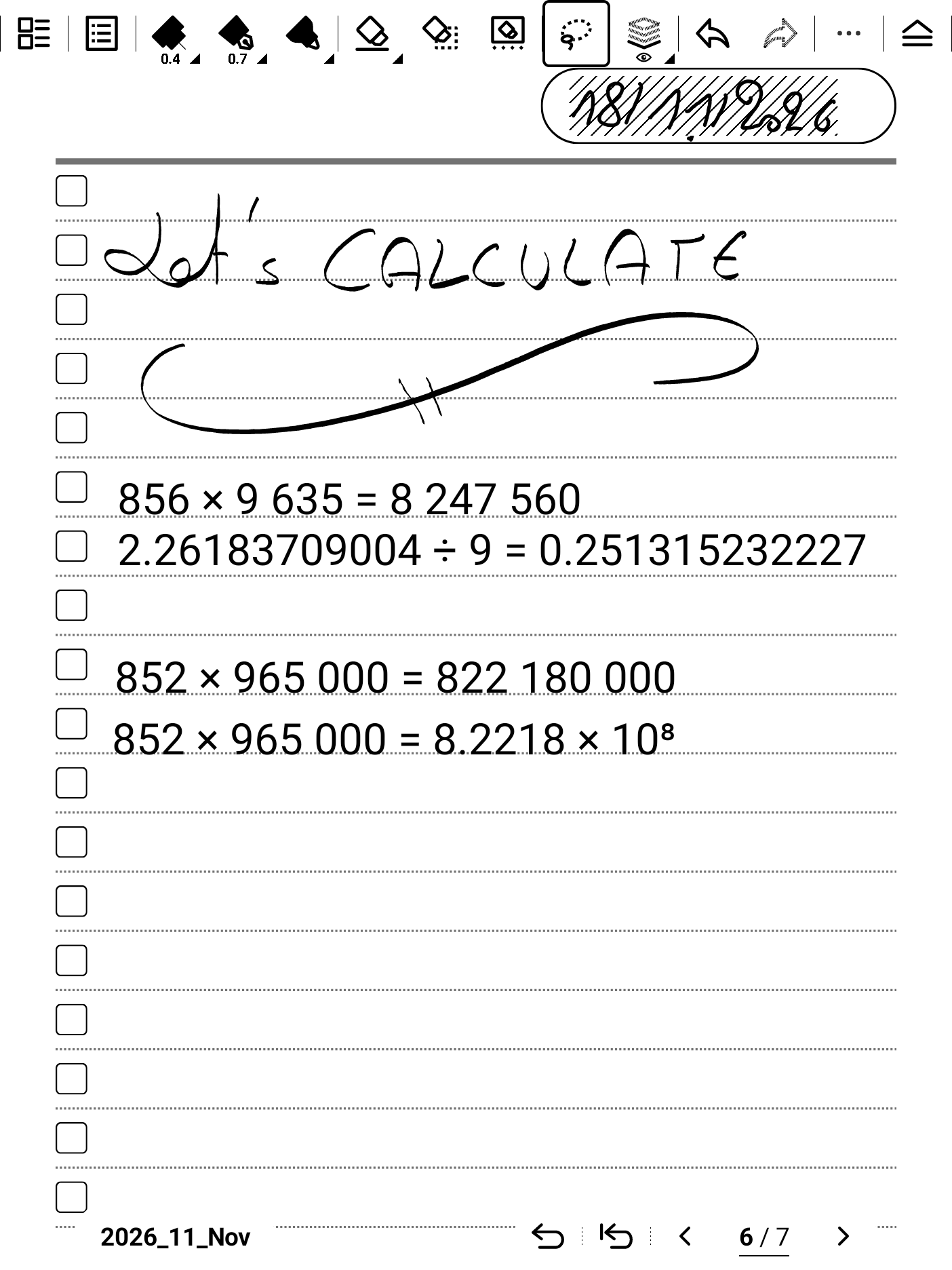
Every result is kept. Select lines and insert only their results, or the full calculations.
Straight into your note
Inserted text is an ordinary text box in the middle of the page: move it with the lasso or edit it. The ? button explains every key.
On the Nomad
Black and white, large keys, no animations. Tap a screenshot to see it full size.
Install
- Download
SNCalculator.snplgwith the button above. - Connect your Supernote by USB and copy the file to the
MyStylefolder. - On the device, go to Settings → Apps → Plugins → Add Plugin, pick the file and install it.
- Open a note or a document: the calculator icon is now in the toolbar.
The first time you insert something, the device asks permission to change the note. Grant it, or the plugin can't insert text.
Good to know
- Inserting only works in notes. PDFs and other documents don't accept text boxes from plugins, so there it is a calculator only.
- So far it is only tested on a Supernote Nomad (A6X2). The layout and the size of the inserted text may need tuning on other models. Tried it on another device? Let me know in an issue.
- The tape survives closing the calculator, but not a restart of the device.